GDPR compliantHosted in GermanyNo credit card requiredCancel anytime

Attendance sheet templates

Free employee attendance sheet templates

Download editable attendance sheet, sign-in sheet, and time card templates for shift, frontline, and field teams. Track presence, breaks, and leave in Excel today — switch to a digital clock-in app when the manual process starts to break.

  • 6 attendance-first templates
  • XLSX and PDF downloads
  • No email required
  • Excel, Google Sheets, and LibreOffice
  • Printable sign-in and approval layouts

Downloads

Pick the attendance template that matches your team

Each file is unlocked, editable, and ready to adapt to your company name, pay period, shift pattern, and approval process. Use them as-is for small teams or as a starting point for a more durable system.

Preview of the Monthly Attendance Sheet Excel template

Most popular

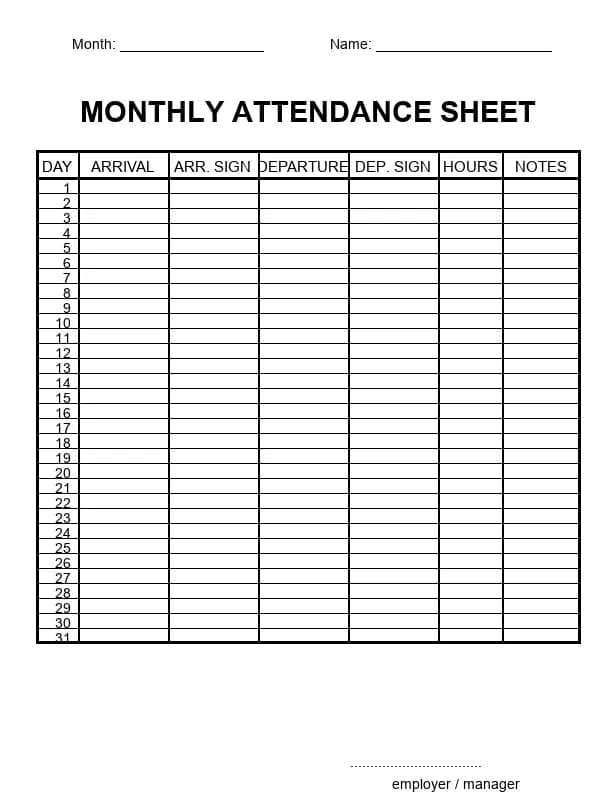
Monthly Attendance Sheet

A print-first monthly attendance record for one employee, with arrival time, arrival signature, departure time, departure signature, worked time, notes, and manager approval.

Best for
Monthly employee attendance records, printable sign-off, and local form-style pages
  • 31 daily rows with arrival and departure signatures
  • Worked time and notes columns
  • One-page printable PDF plus editable Excel version
Download ExcelDownload PDF
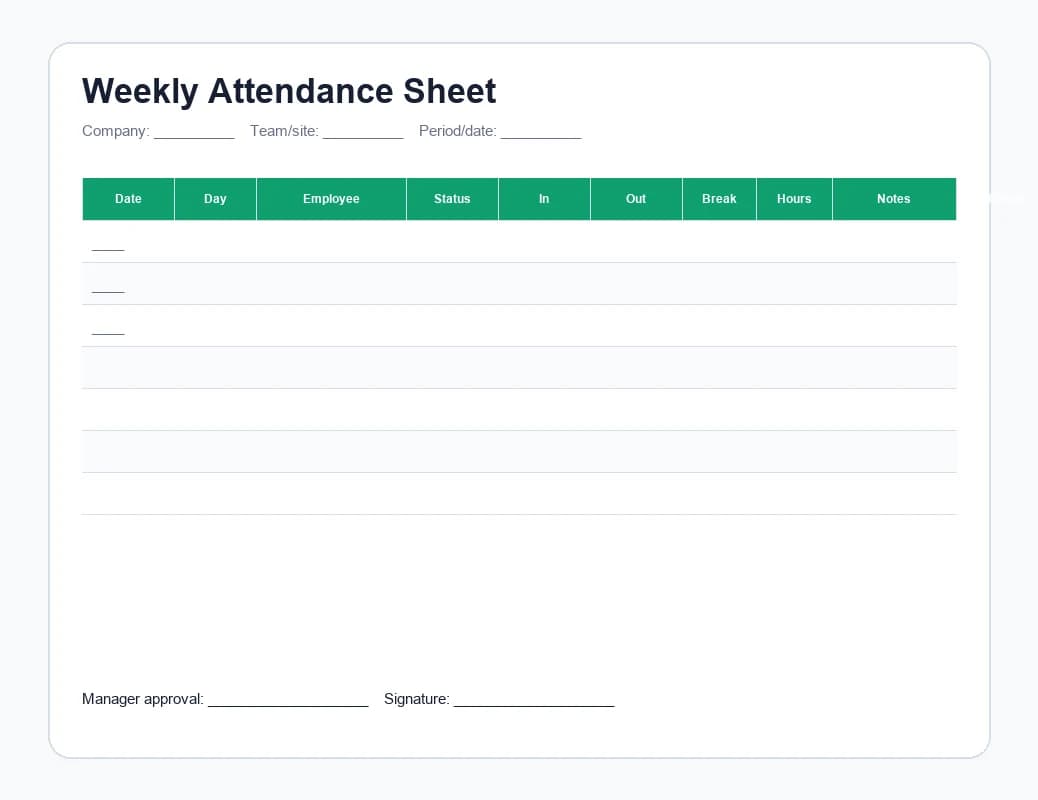
Preview of the Weekly Attendance Sheet Excel template

Weekly

Weekly Attendance Sheet

A Monday-to-Sunday attendance sheet for employees who need to record presence, clock-in times, breaks, notes, and manager approval each week.

Best for
Weekly shift attendance, retail/hospitality teams, and small crews
  • Daily status, clock-in, clock-out, and break fields
  • Weekly total hours with employee and manager approval
  • Printable PDF for paper sign-off
Download ExcelDownload PDF
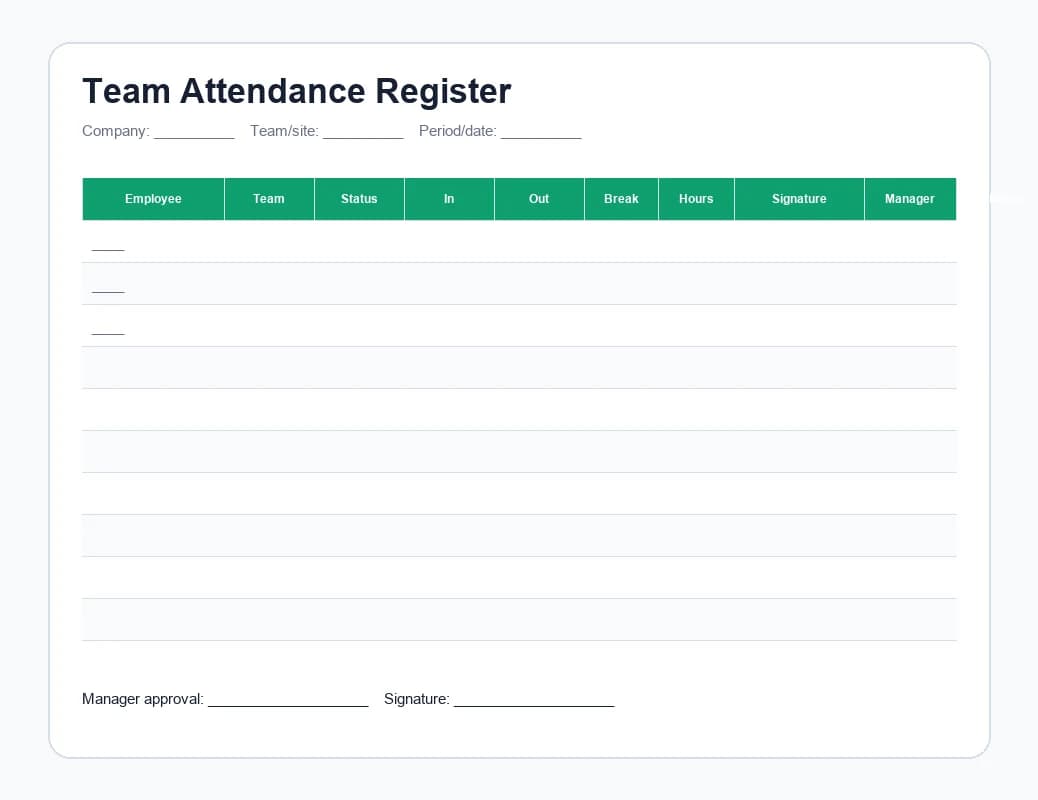
Preview of the Team Attendance Register Excel template

Team register

Team Attendance Register

A daily multi-employee attendance register for reception desks, job sites, warehouses, training sessions, and shared workplaces.

Best for
Daily team sign-in, site attendance, and supervisor review
  • Multiple employee rows on one sheet
  • Status, clock-in, clock-out, signature, and notes
  • Print-first PDF for shared locations
Download ExcelDownload PDF
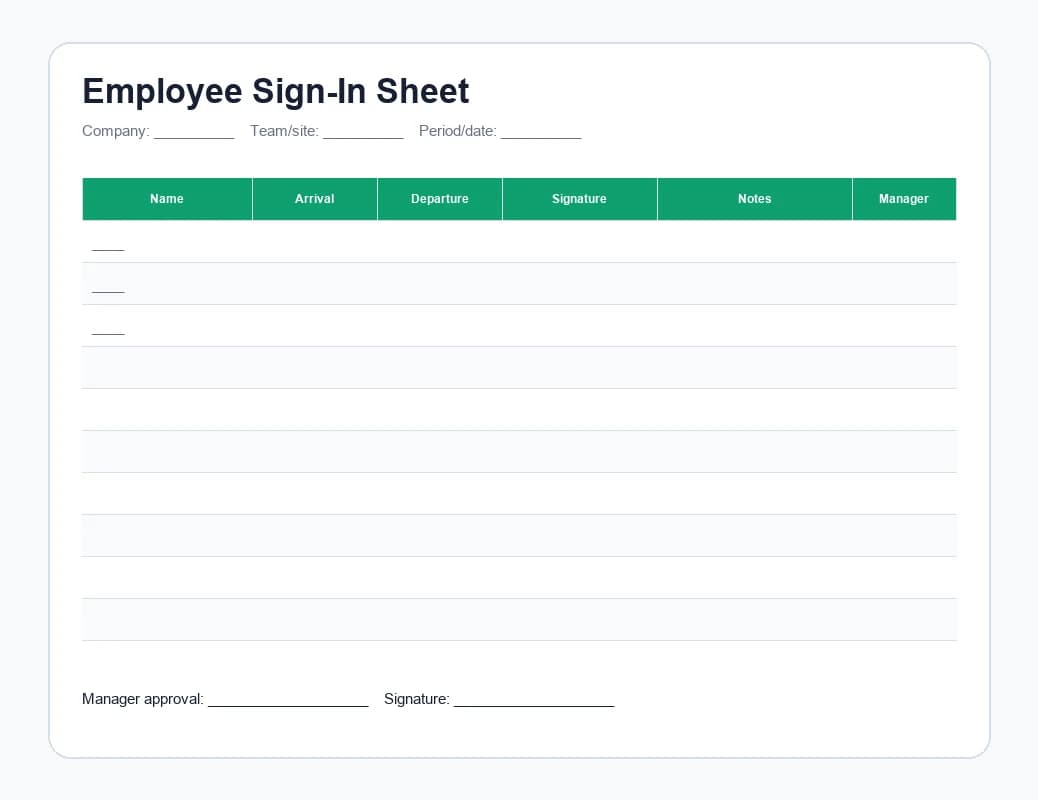
Preview of the Employee Sign-In Sheet template

Printable

Employee Sign-In Sheet

A simple printable sign-in sheet for teams that only need names, arrival time, departure time, signature, and a short notes field.

Best for
Front desks, temporary crews, daily sign-in, and low-admin attendance
  • Name, arrival, departure, signature, notes, and manager initials
  • Clean printable PDF layout
  • Editable spreadsheet version for digital filing
Download ExcelDownload PDF
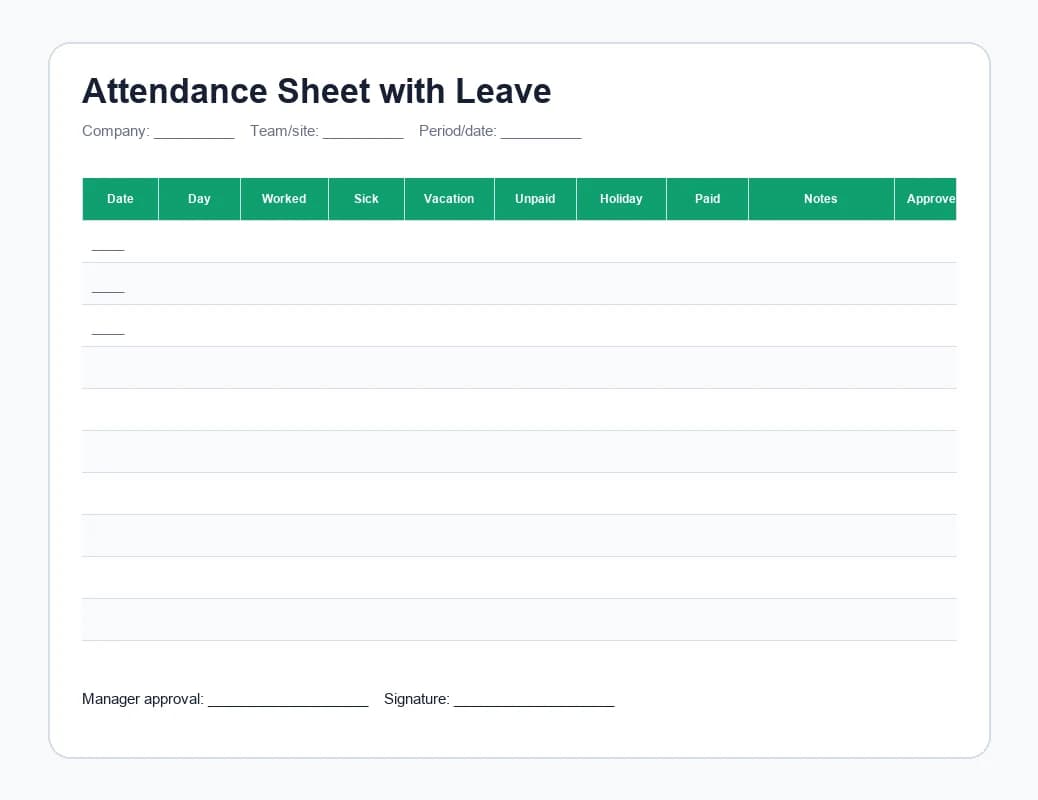
Preview of the Attendance Sheet with Leave Excel template

Leave tracking

Attendance Sheet with Leave

Record worked hours beside sick leave, vacation, unpaid leave, public holidays, notes, and manager approval in one monthly sheet.

Best for
Full-time employees, leave categories, monthly HR records
  • Worked, sick, vacation, unpaid, and holiday columns
  • Paid total calculations
  • Manager approval and notes
Download ExcelDownload PDF
Preview of the Clock-In Time Card Excel template

Clock in/out

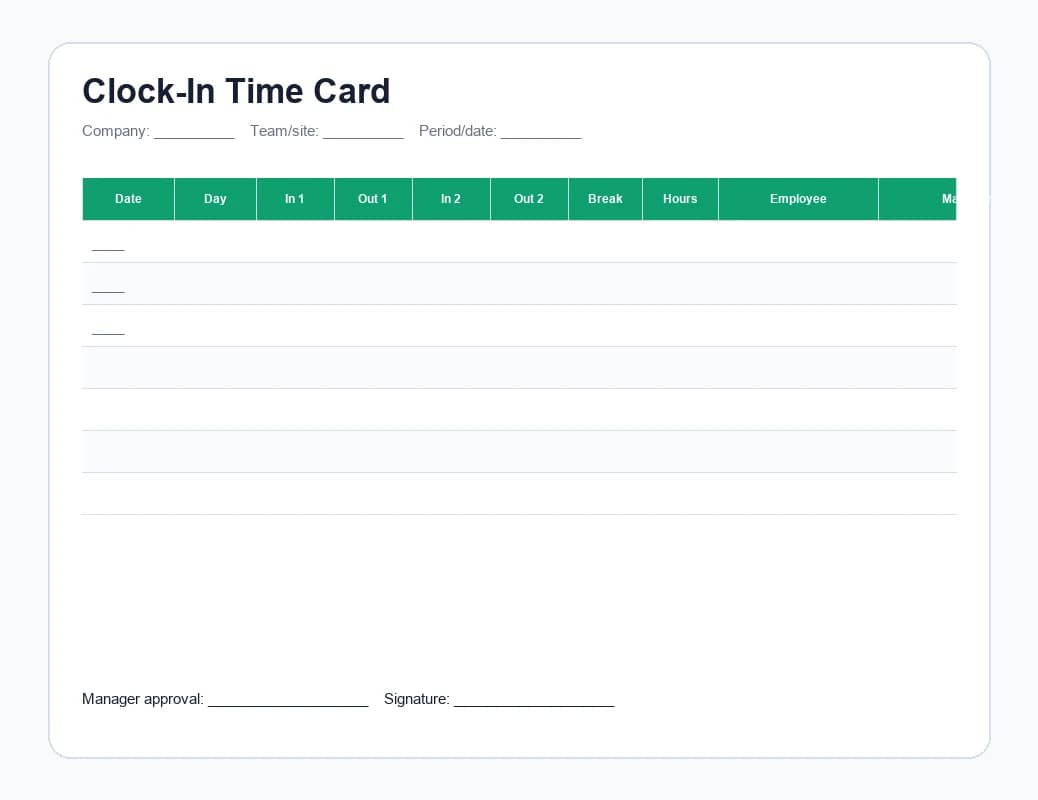
Clock-In Time Card

A time-card style attendance sheet for one employee, with split shifts, breaks, daily totals, weekly total, and approvals.

Best for
Hourly staff, split shifts, and clock-in/clock-out records
  • In/out pairs for split shifts
  • Break deduction and weekly total
  • Employee and manager approval fields
Download ExcelDownload PDF

Template guide

Which attendance sheet template should you use?

Pick the smallest sheet that captures the record you actually need. Extra columns help only when someone will review them.

NeedUse this template
A printable monthly attendance recordMonthly Attendance SheetIt looks and works like the blank form people expect: one employee, 31 days, arrival, departure, signatures, worked time, notes, and employer approval.
A simple weekly attendance sheetWeekly Attendance SheetIt gives employees one clear place to mark presence and gives managers a weekly total.
A supervisor needs a daily team registerTeam Attendance RegisterIt puts the whole team on one daily sheet with signatures and review fields.
People just need to sign in and sign outEmployee Sign-In SheetIt is the fastest printable option for a front desk, site entrance, or small team.
Leave needs to appear beside worked timeAttendance Sheet with LeaveIt separates worked hours from sick leave, vacation, unpaid leave, and public holidays.
Hourly employees write clock-in and clock-out timesClock-In Time CardIt mirrors the clock-in card format most hourly teams already understand.

How to fill them in

Make a paper or spreadsheet attendance sheet easier to trust

An attendance template is only useful if the process around it is clear. The same sheet becomes unreliable when people edit old rows, fill it in days later, or submit files without review.

  1. 1

    Lock down the period

    Name the file with the team and pay period before anyone enters time. This avoids overwritten files and makes payroll archives easier to search later.

  2. 2

    Mark presence daily

    Ask employees to update the sheet at the end of each shift while clock-in times, breaks, and exceptions are still fresh. End-of-week reconstruction is where errors and disputes start.

  3. 3

    Protect formula cells

    Keep totals, overtime formulas, and summary rows protected so edits happen in entry cells instead of breaking the math. Add a date and signature line for manager approval.

  4. 4

    Review before payroll

    Have a manager check missing days, unusual overtime, leave categories, and approvals before the file becomes the payroll source. Keep an archived copy per period.

When a sheet is not enough

Attendance sheets are a starting point, not an attendance system

Paper and spreadsheets work for small, predictable teams. Once shifts change often, managers need live visibility, or you need a defensible audit trail, an app-based clock-in is usually less work and more accurate.

IssueSpreadsheetEasyHours
Forgotten clock-insSomeone reconstructs the day from memory at the end of the week.Employees clock in on mobile or a shared kiosk, with reminders for missed starts and stops and an auto clock-out fallback.
Buddy punching and sign-in fraudA paper sheet or unprotected file is trivial to fill in for someone else.GPS-stamped clock-ins, optional geofencing, and a per-user audit trail make retroactive changes visible.
Live attendanceThe record only exists at the end of the day — ops and dispatch can't see who's working right now.One screen shows everyone currently on the clock, on break, or not started yet.
Manager reviewManagers chase files and scan rows manually each period.Exceptions, edits, and approvals are surfaced in the web admin queue.
Payroll exportsFiles often need cleanup and reformatting before payroll import.Approved hours export as CSV or Excel, summarized by employee, period, site, or team.

Related resources

Keep reading

Use the templates if a sheet is enough. Use these guides when the manual process starts to break.

FAQ

Attendance sheet template questions

Short answers before you download, adapt, and roll out a template.

Are these attendance sheet templates free?+

Yes. The six templates are free to download and use. You don't need to enter an email address or sign up.

What's the difference between an attendance sheet and a timesheet?+

An attendance sheet records whether each employee was present, absent, or late on each day — the basic 'who was here, when' record needed for shift teams and HR. A timesheet records how many hours each employee worked, often broken down by project, customer, or task. Most of these templates can serve both purposes; the difference is how you frame the columns.

Do the templates work in Google Sheets?+

Yes. The files are Excel workbooks, but the layouts and formulas are simple enough to open in Google Sheets and LibreOffice Calc. Always test the totals after importing — formula syntax can shift slightly between tools.

Can I edit the templates for my company?+

Yes. The templates are unlocked, so you can add your company name, change shift categories, add columns for sites or departments, adjust overtime rules, or protect formula cells before sharing with the team.

Can a paper or spreadsheet attendance sheet be used as a legal record?+

It depends on your jurisdiction. Most employers are required to keep a record of working time that's accurate, accessible, and retained for a defined period (often years). A spreadsheet can be a legal record if it's complete, dated, attributable to a specific employee, and protected from silent edits — but in practice that's hard to prove without an audit trail. Treat these templates as a starting point, and consult local rules before relying on them for inspection or payroll disputes.

Do attendance sheets create an audit trail?+

Not by themselves. A sheet can show totals, but it usually doesn't prove who edited a row, when it changed, or whether a manager approved it. Use EasyHours when audit trail, approvals, and live clock-ins matter.

When should we move from a sheet to an attendance app?+

Move when managers spend too much time chasing sheets, employees forget entries, payroll cleanup becomes repetitive, you can't tell who's working right now, or you need GPS-stamped clock-ins, approvals, and payroll-ready exports without manual rework.

Upgrade path

When the sheet starts managing you, switch to EasyHours

EasyHours gives employees one-tap clock-ins on mobile or a shared kiosk, managers a review queue, and payroll a clean export. Start with a sheet today, then move to the app when manual tracking starts to slip.