
Free Excel time tracking templates
Download weekly, daily, monthly, project, shift, biweekly, time card, and leave timesheet templates for Excel. Each spreadsheet is editable, formula-based, and ready to use without an email signup.
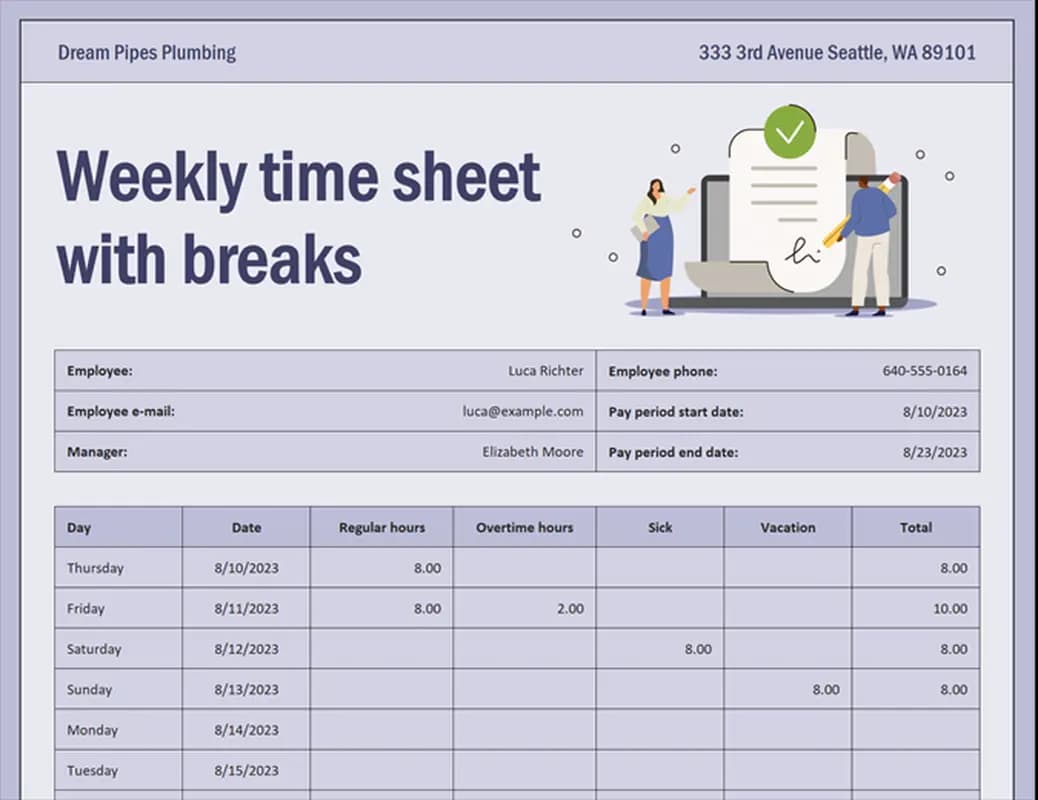
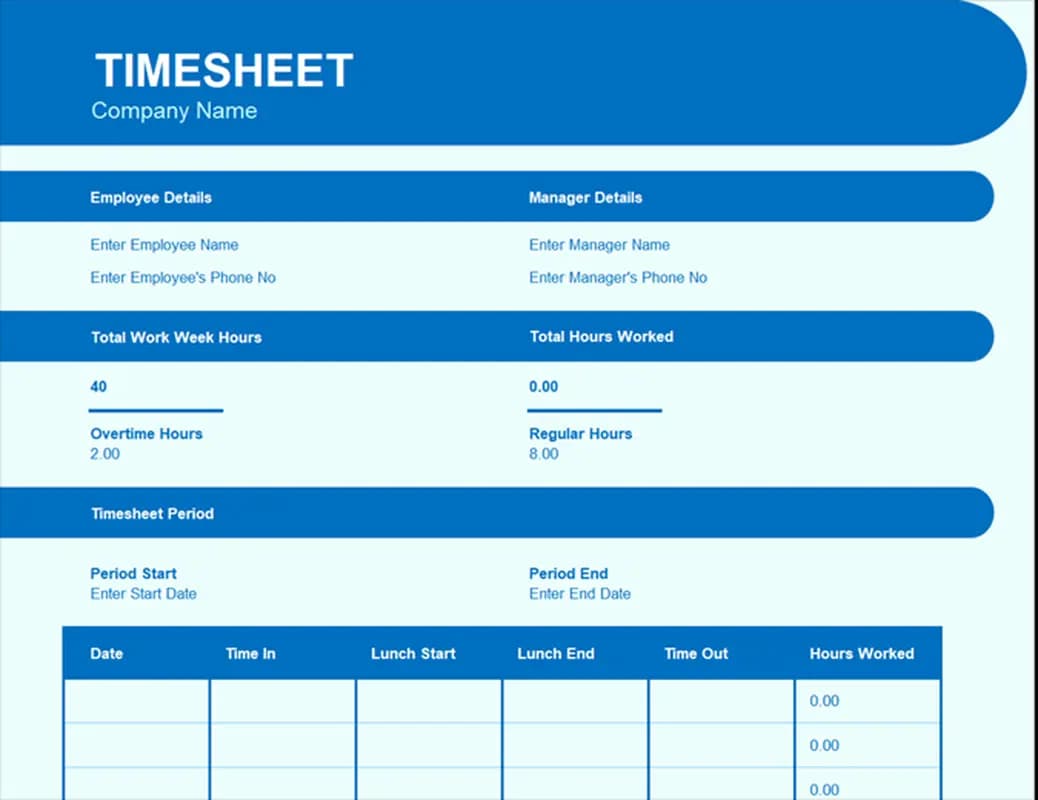
Weekly Timesheet
Weekly payroll, contractor hours, and simple team reporting
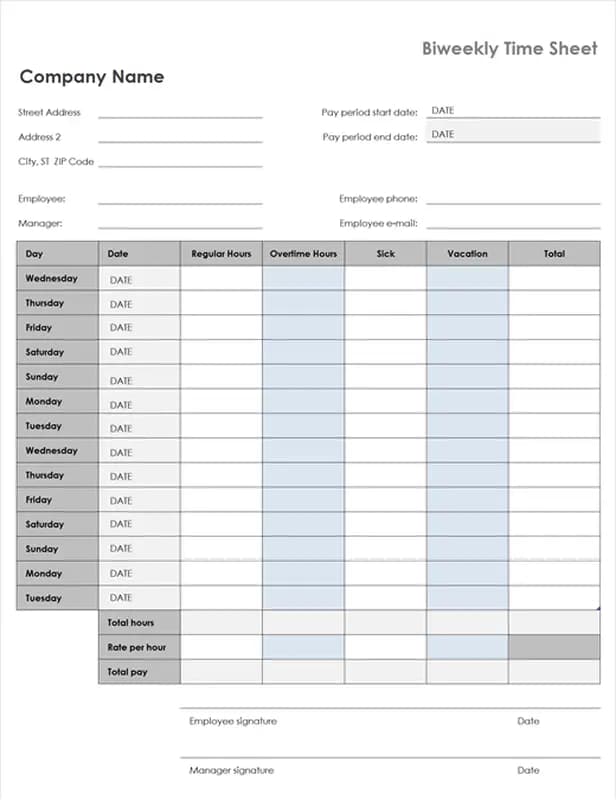
Biweekly Time Sheet
Two-week pay periods and recurring payroll handoff
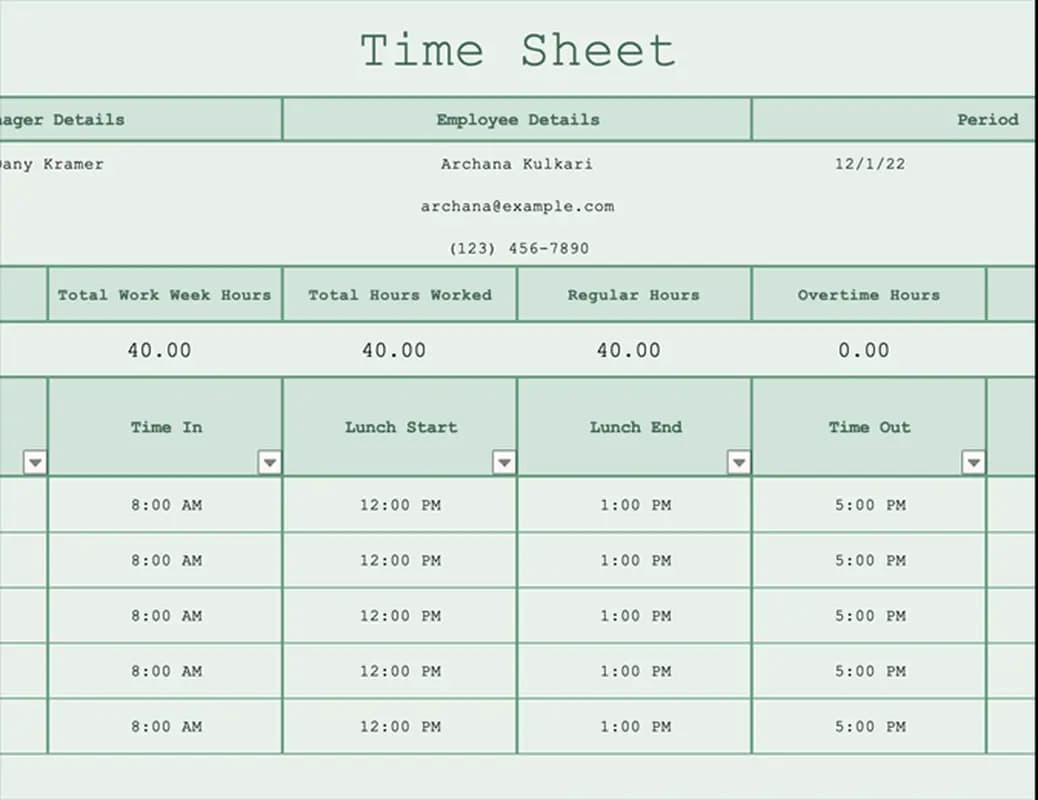
Biweekly Timesheet with Sick Leave and Vacation
Full-time employees with leave categories in the same period
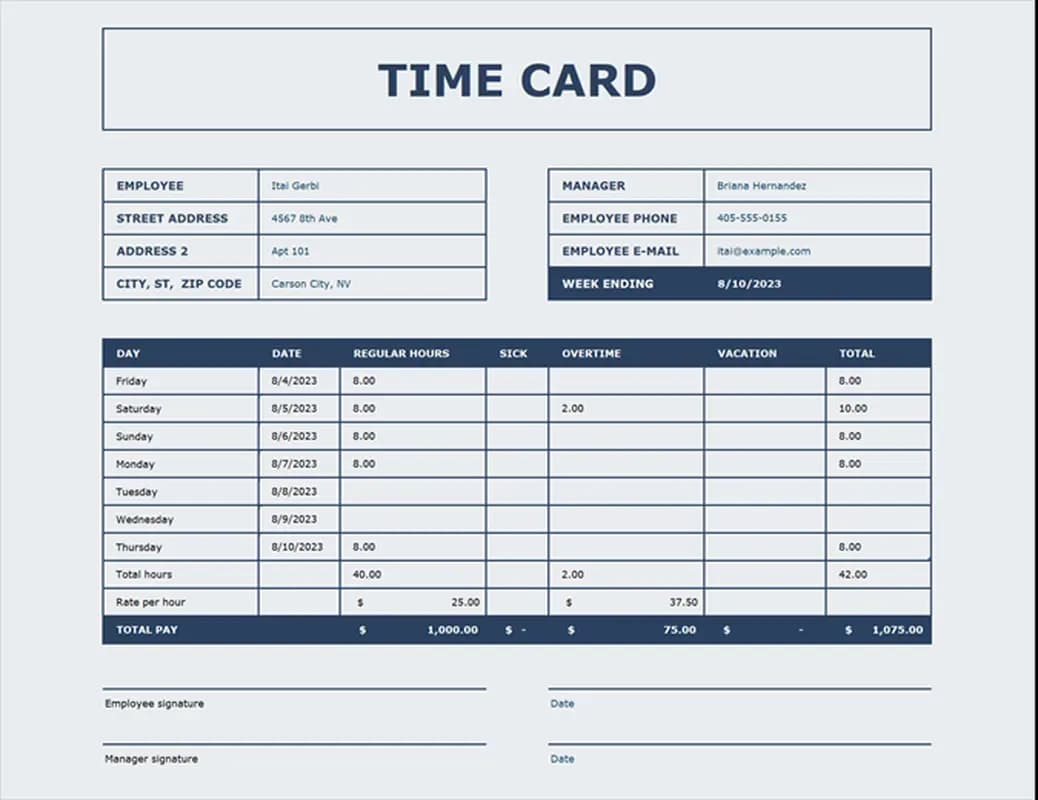
Time Card
Hourly staff, shift work, and simple clock-in records
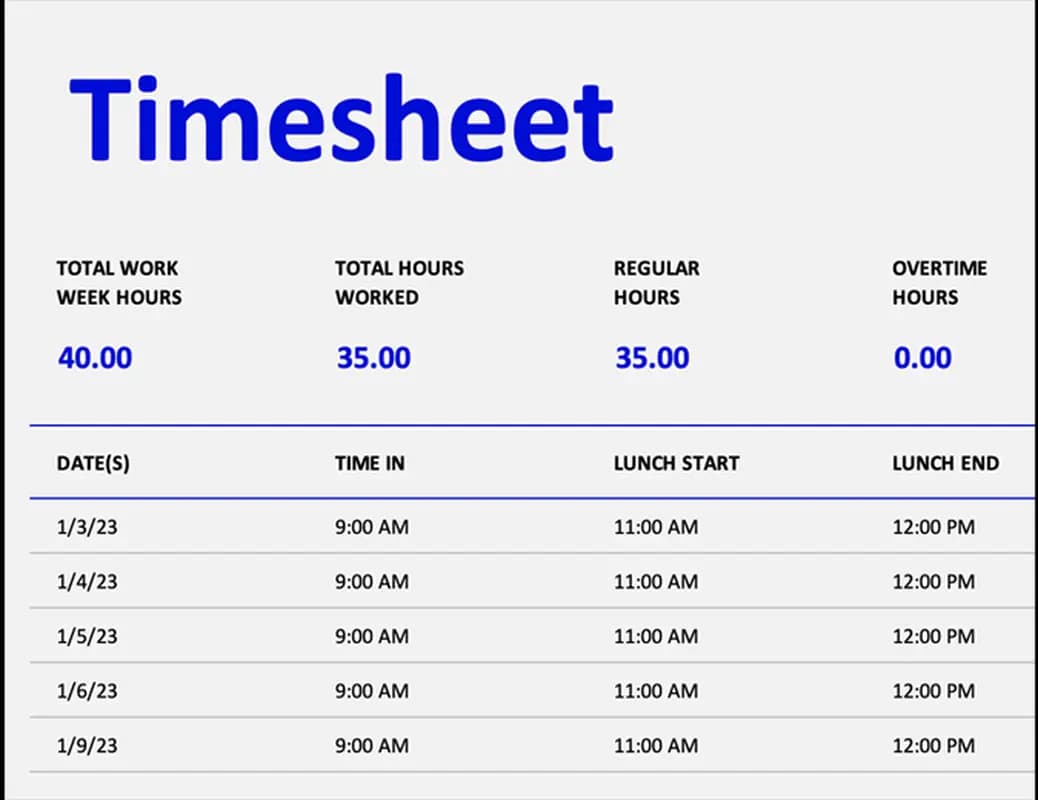
Elemental Timesheet
Small teams, quick setup, and low-admin reporting
Timesheet Worksheet
Project reporting, invoice support, and detailed hour analysis
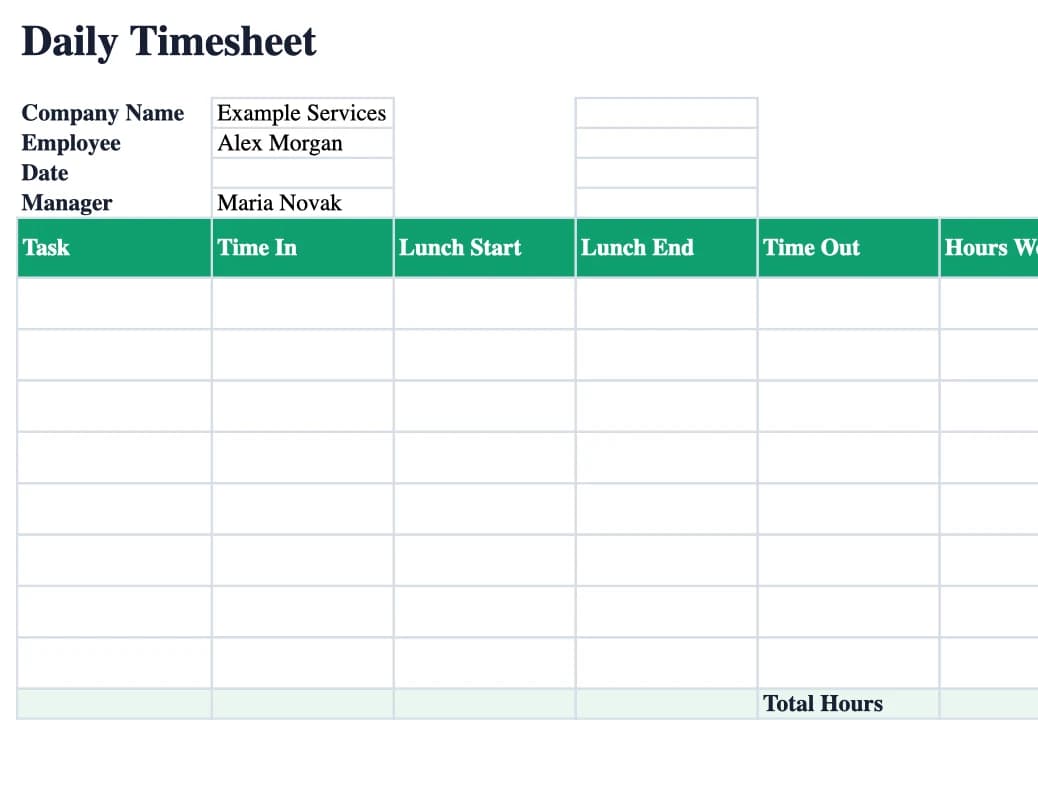
Daily Timesheet
One-day jobs, field work, and simple daily approvals
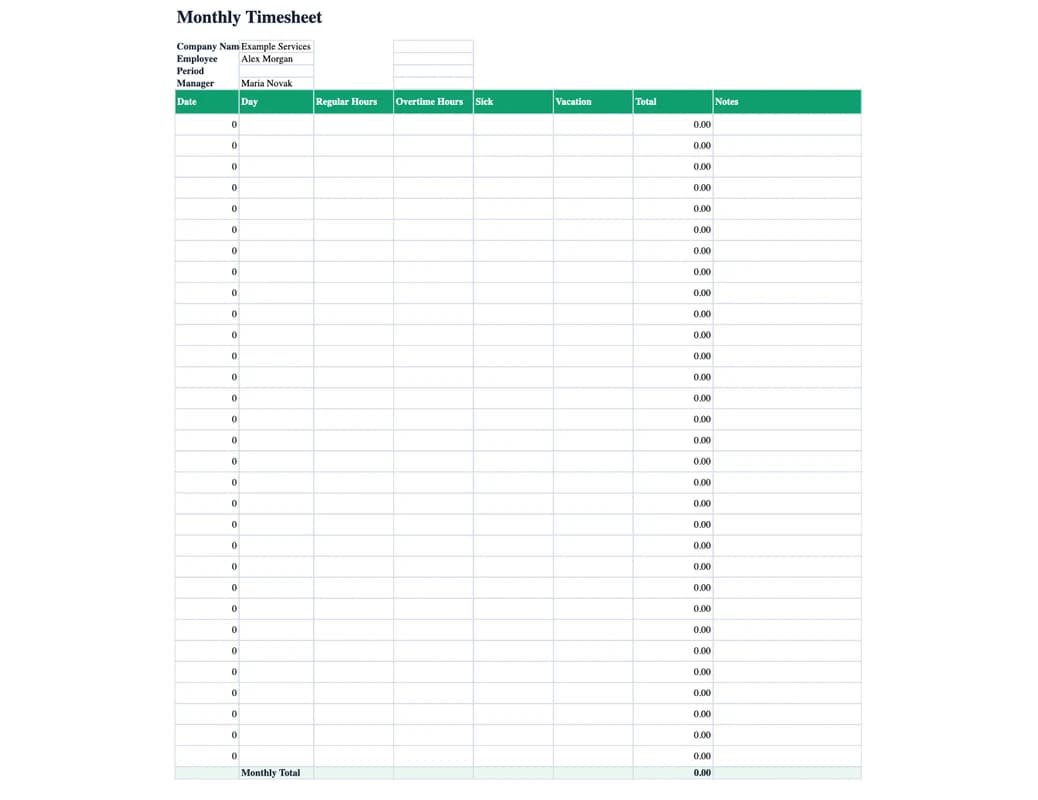
Monthly Timesheet
Monthly payroll, salaried staff, and simple absence review
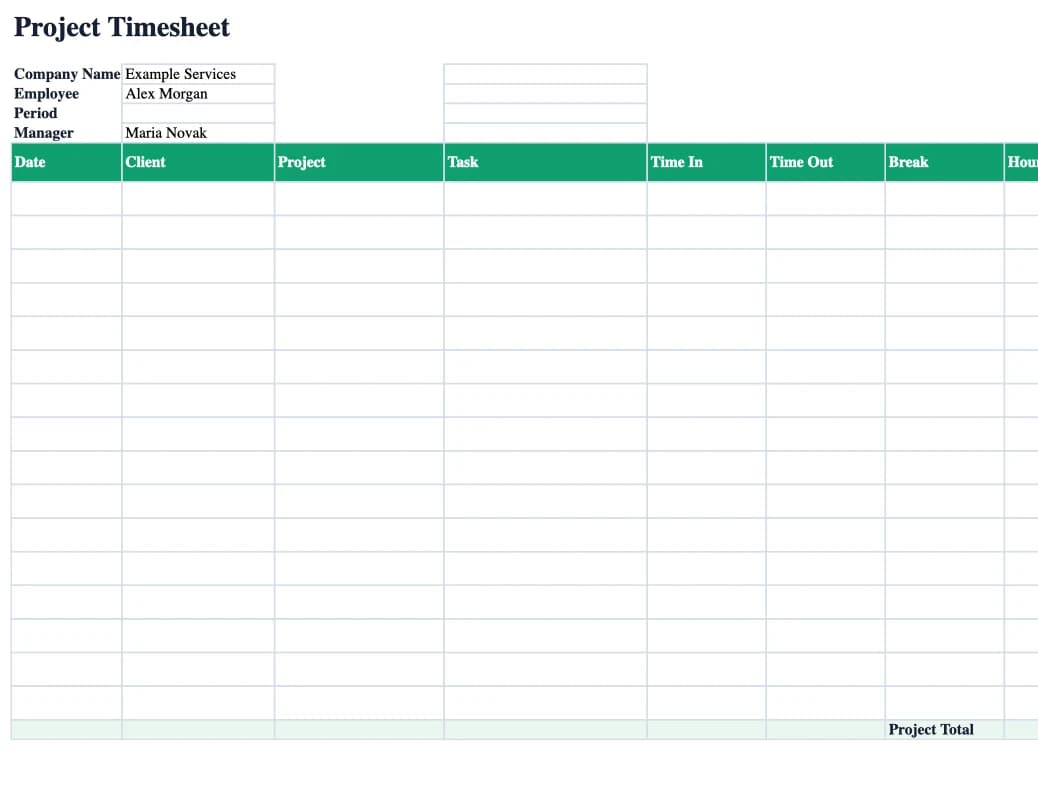
Project Timesheet
Client work, project costing, and invoice support
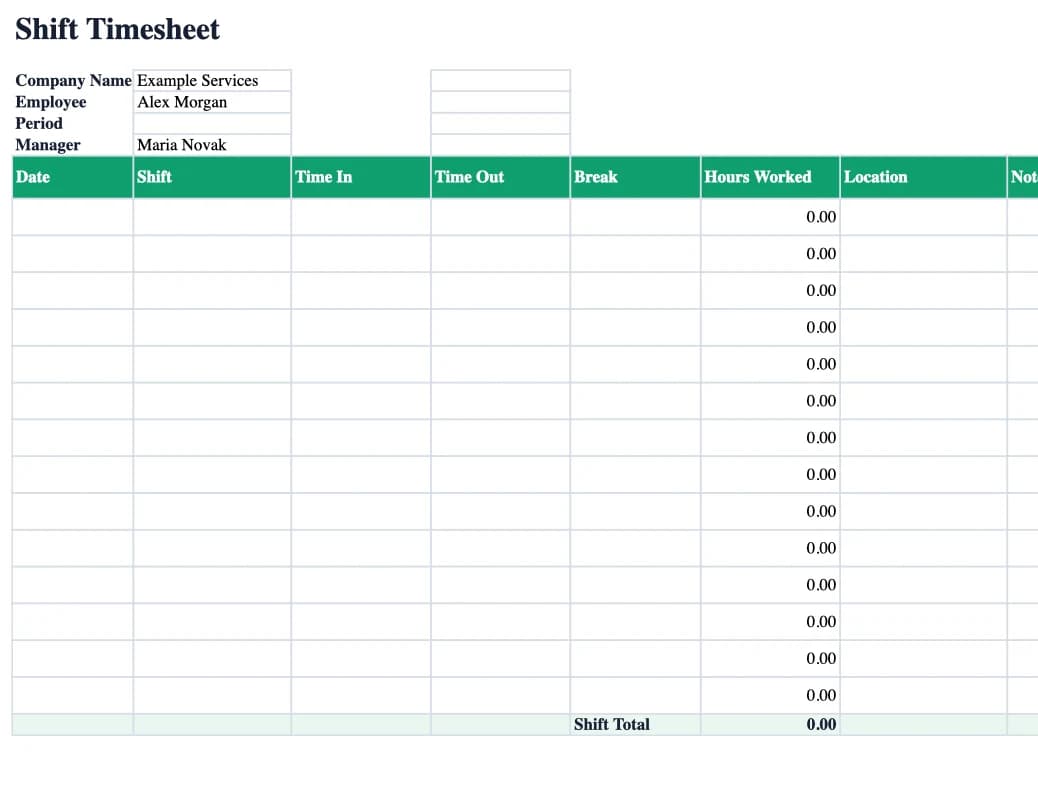
Shift Timesheet
Shift teams, sites, locations, and manager handoff
Excel time tracking template questions
Do the templates work in Google Sheets?+
Yes. The files are Excel workbooks, but the layouts and formulas are simple enough to open in Google Sheets and LibreOffice Calc. Always test totals after importing.
Do Excel timesheets create an audit trail?+
Not by themselves. A spreadsheet can show totals, but it usually does not prove who edited a row, when it changed, or whether a manager approved it. Use EasyHours when audit trail, approvals, and live clock-ins matter.
When should we move from Excel to a time tracking app?+
Move when managers spend too much time chasing files, employees forget entries, payroll cleanup becomes repetitive, or you need live attendance, GPS clock-ins, approvals, and payroll-ready exports.
When the spreadsheet starts managing you, switch to EasyHours
EasyHours gives employees one-tap clock-ins, managers a review queue, and payroll a clean export. Start with Excel today, then move to app-based tracking when the process needs less manual work.
Read more