












GDPR compliantHosted in GermanyNo credit card requiredCancel anytime

Employee time tracking software

Time tracking software for employee work hours

EasyHours helps employees clock in from mobile, web, or kiosk, gives managers a clean review workflow, and turns approved hours into payroll-ready reports and reliable working-time records.

  • Clock in from mobile, web, or shared kiosk
  • Manager approval before payroll export
  • GPS and geofencing options for field teams
  • Free 30-day trial — no credit card

Time clock

EasyHours

Martin

Martin

Ready to start?

Clocked in at --:--
14 Bishopsgate, London
Clock
Entries
Schedule
Menu

What is time tracking?

Time tracking, in plain terms

Time tracking is the practice of recording when employees work: start time, end time, breaks, total hours, overtime, and, where relevant, the project, customer, location, or task the time belongs to.

In a modern setup, time tracking software is more than a digital timesheet. It covers employee clock-ins, reminders, corrections, manager approval, reports, exports, and the records you need to keep on file.

  • Start, end, break, and total hours per employee
  • Breaks, overtime, and absences
  • Project, customer, location, or task context where relevant
  • A reviewable audit trail for corrections and approvals

Why employers track time

Three reasons companies keep proper time records

  1. 1

    Payroll accuracy

    Hours reconstructed from memory at the end of the month create missed overtime, disputed breaks, employees who feel shorted, and managers who spend payroll week chasing numbers. A clean record means payroll preparation is a calculation, not a negotiation.

  2. 2

    Something to show when asked

    If a worker claims unpaid overtime months later, your answer is the record you kept at the time, not what anyone remembers. The same record settles internal disputes and helps answer questions from auditors, payroll providers, or labour inspectors.

  3. 3

    Local working-time rules

    Many countries require employers to keep reliable working-time records and produce them on request. The specifics — what to capture, how long to retain it, who can see it — vary by jurisdiction. EasyHours gives you the workflow; your local advisors confirm the details that apply to you.

How it works

How a digital time tracking system works

Good employee time tracking software follows a simple loop: record time close to the work, review exceptions before payroll, and keep reports that are easy to export.

  1. Employees record time as they work

    A worker clocks in from a phone, browser, or shared kiosk when they start, picks the relevant project, task, or location if it matters, and clocks out when they stop. The entry is captured in the moment instead of reconstructed from memory.

  2. Managers review and correct

    The system surfaces missing clock-outs, unusual totals, overtime, corrections, and timesheets waiting on approval. Managers fix what needs fixing and approve the rest, so downstream reports use numbers that have actually been checked.

  3. Approved hours flow into payroll and records

    Once approved, hours can be exported for payroll preparation, summarized by employee, period, project, or task, and retained as the working-time record you need on file.

In practice

Mobile, web, and admin work as one

Three views, one data flow: employees record time on mobile, web, or kiosk, managers review on the web, and approved hours come out as clean reports.

EasyHours
On the clock

03:42:18

Started 8:15 AM · today

Project

Platform · Ground-floor install

Kings Cross Site Office

Today

3h 42m

This week

28h 10m

All entries synced
Clock
Hours
Schedule
More

Employees record time where work happens

A mobile clock-in keeps the entry close to the workday. Employees start and stop time, pick the relevant context, and never have to reconstruct hours days later.

Managers catch exceptions before export

The admin view surfaces missing entries, correction requests, overtime flags, and pending approvals — so managers spend their time on the things that need attention, not on rebuilding totals.

app.easyhours.eu/approvals

Approvals

WeeklyBi-weekly
Week 12 · 17 – 23 Mar
8pending
3with anomalies
41.2havg / week
EmployeeHoursAnomalies

Emily Jones

Foreman

41h 30m
Overtime Tue

Oliver Brown

Electrician

38h 45m
No issues

Charlotte Davis

Installer

42h 00m
Missing Wed

James Smith

Site lead

40h 00m
No issues

Liam Turner

Installer

47h 30m
Over 45h cap
Last bulk approval · 5 timesheets by Manager · Mon 10:12 AM
3 selected
app.easyhours.eu/reports/payroll

Payroll report

17 – 23 Mar
Breakdown
EmployeeProjectLocation
Custom columns5

Total hours

209h 30m

Regular

195h 00m

Overtime

14h 30m

Gross pay

£4,684.50

EmployeeHoursOTRateGross

Emily Jones

Foreman

41:302:15£24.00£1,044.00

Oliver Brown

Electrician

38:450:00£22.00£852.50

Charlotte Davis

Installer

42:002:00£20.50£881.50

James Smith

Site lead

40:000:00£26.00£1,040.00

Liam Turner

Installer

47:1510:15£19.50£866.50
Total209:3014:30£4,684.50

Scheduled · every Monday 6 AM to [email protected] · next run 24 Mar

on

Reports turn time records into clean data

Approved hours can be summarized by employee, period, project, location, or task and exported as CSV or Excel. Same data, ready for payroll prep, accounting, operations, or your own administration.

See who's working, and where

Two views you'll use every day

Most time tracking tools stop at the timesheet. EasyHours adds a live map and an at-a-glance attendance view, so you don't have to ping people to find out who's working — or where.

Kings Cross site office
James Smith
8:30 AM
Emily Jones
9:02 AM
Oliver Brown
7:48 AM
Charlotte Davis
8:55 AM
Liam Turner
6:41 AM

Geofenced clock-ins on a live map

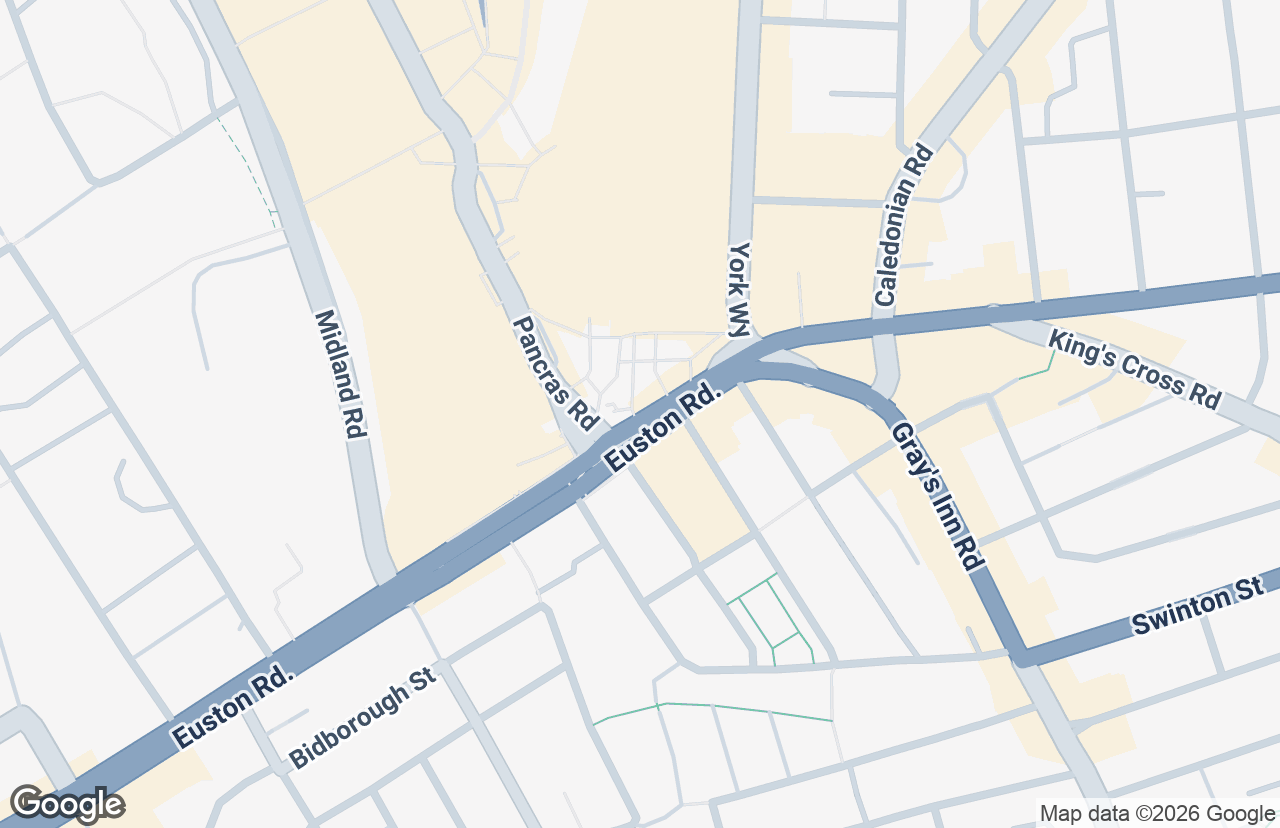
Set up the sites your team works from — offices, customer locations, job sites — and EasyHours places each clock-in on a map. Optional geofencing can require employees to be on-site to clock in, so the recorded location matches where the work actually happened.

See who's clocked in right now

One screen shows everyone currently on the clock, who's on break, and who hasn't started yet — with how long they've been working. It's the fastest way for a manager or operations lead to answer 'who's available?' without sending a single message.

EasyHours
Live attendance
In (6)Out (3)
Sophie Carter

Sophie Carter

about 2 hours

since 6:12 AM

Emma Wilson

Emma Wilson

about 2 hours

since 6:34 AM

James Taylor

James Taylor

about 2 hours

since 6:58 AM

Laura Brown

Laura Brown

about 1 hour

since 7:11 AM

David Harris

David Harris

about 1 hour

since 7:26 AM

Charlotte Davies

Charlotte Davies

about 1 hour

since 7:48 AM

Why time tracking fails

The four hardest things about time tracking — and how EasyHours handles them

Most time tracking projects struggle for the same reasons. Here is what usually goes wrong, why it happens, and what we do about it.

Solved by EasyHours

Employees don't want to use the software

Adoption is the make-or-break factor. If the app feels like extra work, employees fall back on memory and submit hours days later, which breaks every report downstream and turns managers into chasers. Time tracking has to feel fast for the person clocking in.

How EasyHours handles it

  • One-tap clock-in on the phone people already carry
  • Pre-selected job, project, or location so there is little to type
  • A clear 'you are on the clock' view with no menus to navigate
Solved by EasyHours

People forget to clock in and clock out

Even motivated employees forget. They get pulled into a job, take a call, or finish late. The cost is invisible at first and shows up later as missing hours, payroll corrections, and disputes about what was actually worked.

How EasyHours handles it

  • Smart reminders fire at the start and end of expected shifts
  • Auto clock-out so a forgotten timer does not run all night
  • Manager review flags missing or unusual entries before payroll
Solved by EasyHours

The software is too complicated to set up and use

Many tools require an implementation project before anyone can clock in: project hierarchies, approval flows, role permissions, integrations, and long training sessions. By the time it is configured, nobody on the floor knows how it works and shadow spreadsheets quietly take over.

How EasyHours handles it

  • Setup takes minutes — invite the team, set work hours, done
  • Three deliberately simple views: mobile, web dashboard, shared kiosk
  • No training required; new employees figure it out on their first shift
Solved by EasyHours

It gets expensive once the add-ons stack up

Time tracking is often sold as a small per-seat fee, then add-ons, integrations, and minimum seats stack on top. The published price may not match the invoice. The real comparison is total monthly cost against what manual time tracking already costs in manager time and payroll mistakes.

How EasyHours handles it

  • Simple per-employee pricing with the full product on every plan
  • No setup fees, no annual lock-in, mobile and kiosk included
  • Free trial with the real product, so the math is verifiable on your team

Who it is for

Built for teams that need simple records and manager control

  • Small and medium-sized companies that need a practical record of work hours
  • Employees who need a fast clock-in workflow without spreadsheet admin
  • Managers who review timesheets, corrections, and missing entries
  • Mobile teams that work across customer sites, jobs, or changing locations
  • Consultants, trades, and service teams that need project or task context on recorded hours

Simple math

EasyHours pays for itself — in the first week

Hours that don't get logged don't get billed. EasyHours captures every one — here's what a typical company stands to recover in unbilled hours.

What 15 minutes a day really costs.

It adds up faster than you'd think.

The math

10 employees

× 15 min of untracked time per person, per day

× 20 working days per month

= 50 hours lost every month

× €60 average billing rate

Adds up to

€3,000

in lost billable revenue, every month

EasyHours starts at €5.20 per user per month. A single recovered hour per employee pays for a full year of EasyHours.

Billing accuracy

10–25%

of billable hours never reach an invoice

Invoices that match reality

Manual entries consistently under-report hours. People forget small tasks, miss quick jobs between sites, or skip logging entirely. Automatic clock-in captures every minute — so what you bill reflects what was actually worked.

Timesheet admin

2–3 hrs

lost to paperwork, every week

Less paperwork, more billable time

Managers waste 2–3 hours every week chasing paper timesheets, fixing mistakes, and compiling payroll by hand. With EasyHours, approval and export takes minutes — not mornings.

Next steps

Find what matters most for you

Some readers want to see the app, others want to understand the workflow or jump straight to FAQs. Pick the section that fits where you are.

FAQ

Questions buyers ask before choosing time tracking software

Short answers to the things teams usually want to know before signing up.

What is time tracking?+

Time tracking is the process of recording when people work, where relevant which project, task, customer, or location the time belongs to, and how those hours are reviewed for admin, payroll, or compliance.

Is time tracking required by law?+

Many countries require employers to keep reliable working-time records, but the exact rules — what to capture, how long to retain it, who can see it — vary by market. EasyHours gives you the workflow; check the specifics with your local advisor.

Can a business use Excel for time tracking?+

A spreadsheet can work for a very small team, but it becomes harder to control corrections, approvals, missing entries, retention, audit trails, and reporting as the team grows.

What should employee time tracking software include?+

For most teams, the essentials are mobile and web clock-ins, simple timesheets, break and overtime tracking, reminders, manager approval, correction history, exports, and reports that payroll or accounting can use.

How does EasyHours handle corrections?+

Employees can submit or update entries, and managers can review corrections before the timesheet is used for reporting or payroll administration.

Does EasyHours replace payroll software?+

No. EasyHours records and organizes working time, and the exported reports feed into your payroll process — but it isn't a full payroll or HR suite on its own.

How do I get employees to actually use time tracking?+

Adoption depends more on the workflow than on the policy. Pick software with a one-tap clock-in on mobile, reminders for clock-in and clock-out, and an easy correction flow so employees are not penalized for forgetting.

Can mobile teams track time from the field?+

Yes. EasyHours is designed for web and mobile workflows, so field teams can record time while managers keep oversight from the admin view. GPS and geofencing options can add location context where that is appropriate for the business.

Evaluate EasyHours

Replace manual timesheets with a reviewable workflow

Try EasyHours with a real team workflow: employee recording, manager approval, corrections, and exportable reports.

From €5 per user / month · 30-day free trial · no credit card